
Connect your own AI assistant and let it write the articles
total.support has a built-in MCP server. Connect Claude, ChatGPT or your IDE with a token, and your assistant can read, search and write articles in the help center — or open tickets. Does it have access to your code? Then it can write the guides for you.
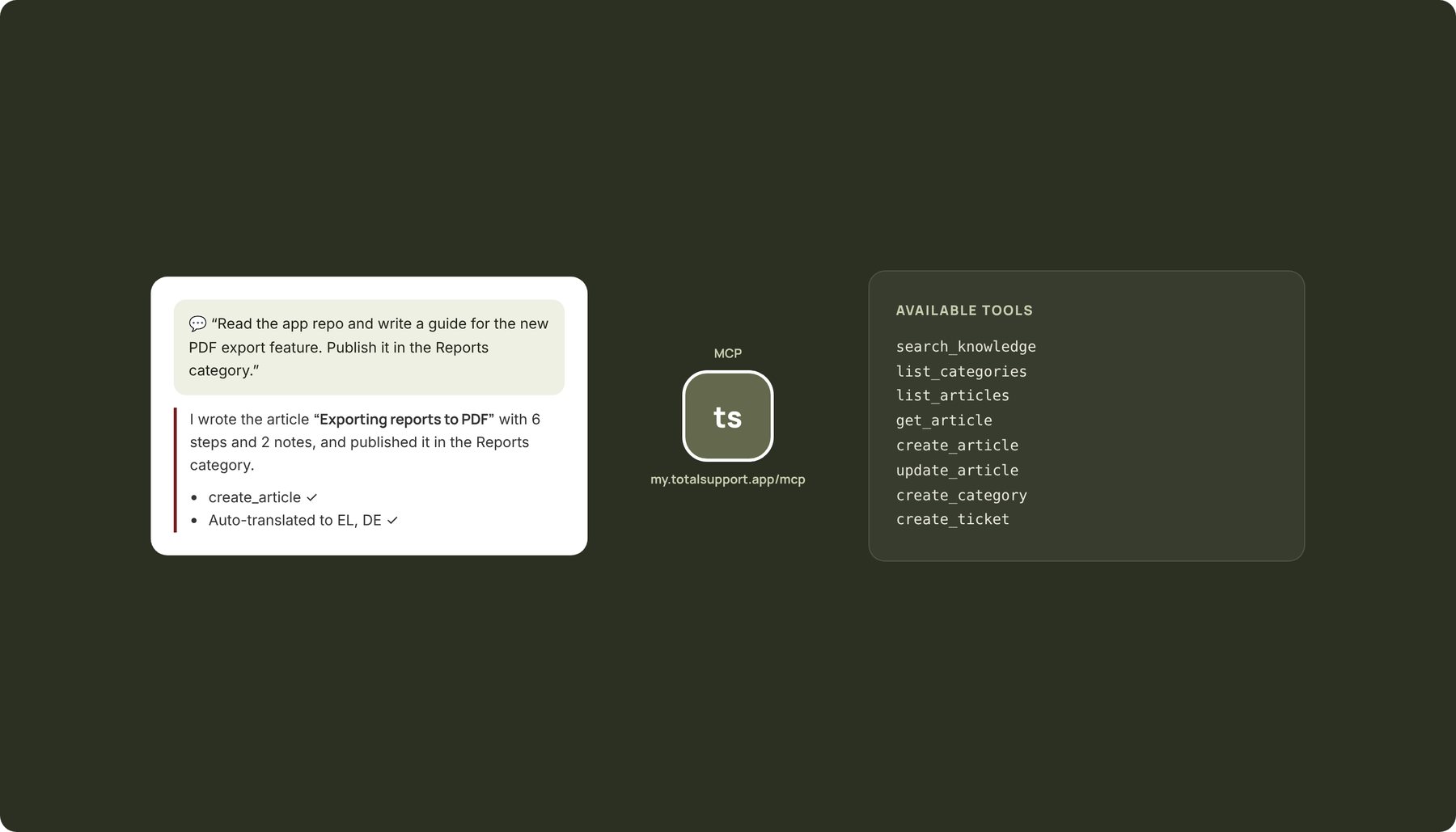
A common way for AI assistants to talk to your tools
The Model Context Protocol is an open standard. Your assistant “sees” the help center as a set of tools — search, read, create article — and uses them the way it would use a file.
Connect
Create a token from Settings → MCP and add the server address to your assistant. Two minutes.
Ask
“Read the repo and write a guide for the new PDF export feature, in the Reports category.”
Approve
The article appears as a draft in the help center. You read it, publish it, and it's translated automatically.
Whatever you can do, your assistant can do too
Each brand exposes its own set of tools, with its own token. The assistant sees only that brand.
- search_knowledge — semantic search across articles
- list_categories / list_articles / get_article — read structure and content
- create_article / update_article — write in Markdown, with images and video
- create_category / update_category — organise sections
- create_ticket — open a ticket when the assistant can't find an answer
Software companies: guides written alongside the code
The assistant you already use to build a feature can, in the same step, write its guide too. No more “we'll document it later” — the article ships with the release, in every language.
- Articles from the IDE: Cursor, VS Code, Claude Code
- Update existing articles when the feature changes
- The assistant checks what exists first, so it doesn't write duplicates
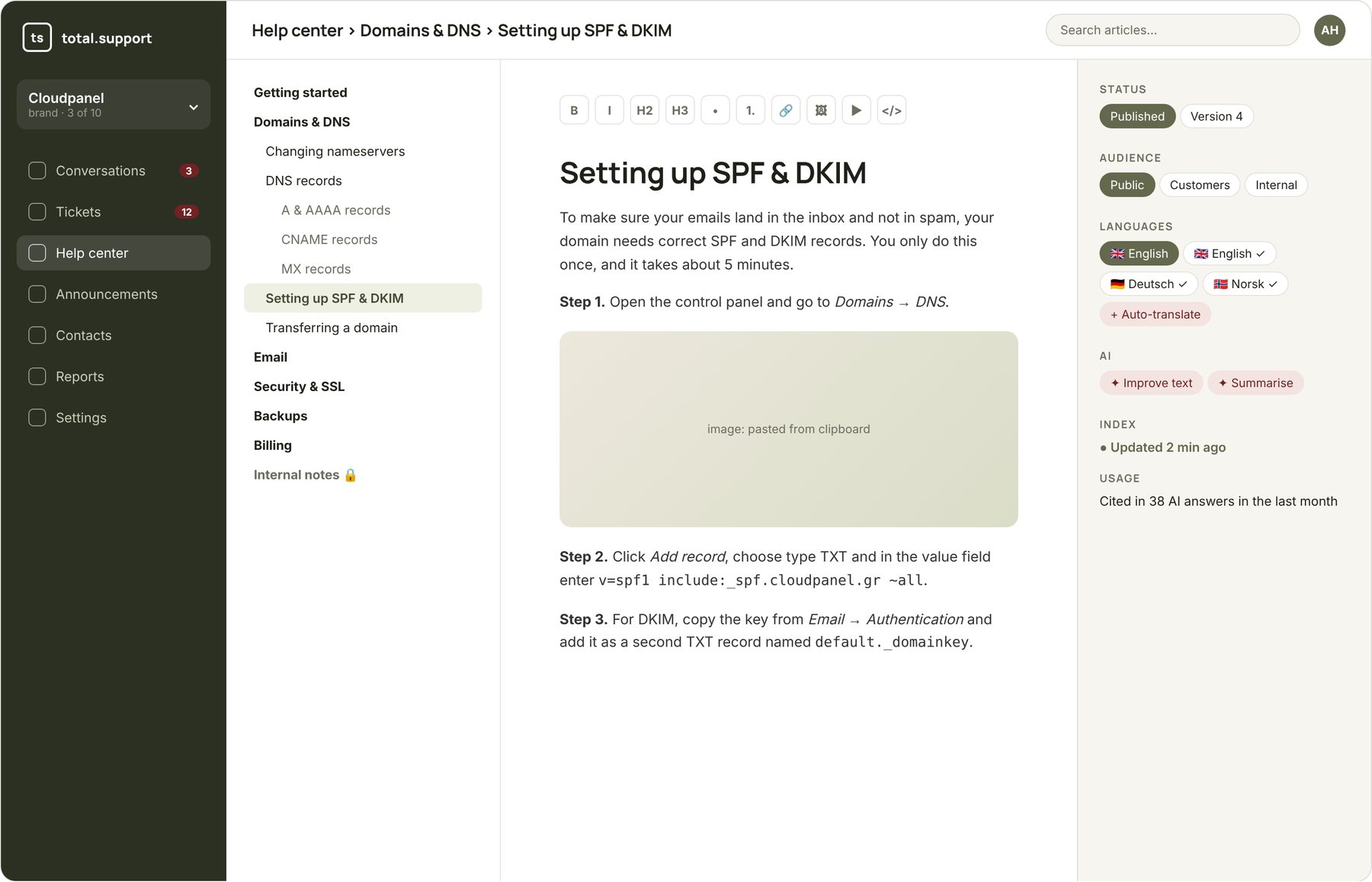
And for your own systems
Publish articles from your CI/CD, create tickets from your app, or get a webhook when a ticket is opened, answered or closed.
- REST API with a token per brand
- Upsert articles from Markdown
- Tickets: create, reply, change status
- Webhooks for ticket and conversation events
Frequently asked questions
The token is per brand, with permissions you define, and can be revoked at any time. Whatever the assistant writes goes in as a draft if you choose, so you can review it before it's published.
Any assistant that supports MCP over HTTP: Claude (desktop, web, Code), ChatGPT, Cursor, VS Code, Windsurf and others.
From the Growth plan up. The API is also available from Growth.
Let your assistant write the first guide
Create an account, get an MCP token and watch the first article appear.